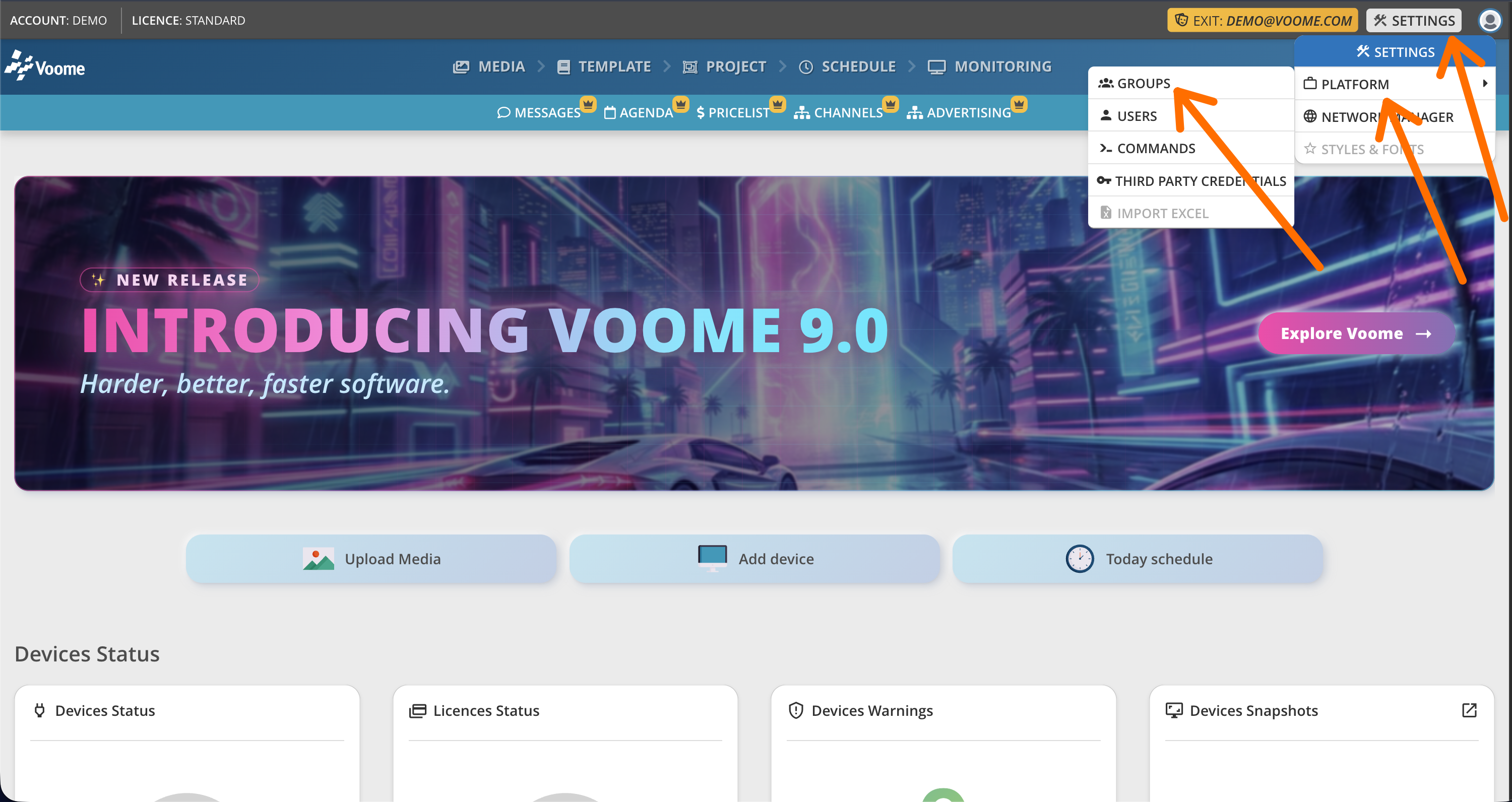
👥 Groups
A group defines what a set of users can see and do in Voome. Every user belongs to one Main Group, which sets their level of privileges on the platform.
Configure/add a group to:
- Give each department of your company its own space: every group sees only its own
media uploads,messages,projects, and so on. - Hide specific sections of the CMS from a department.
- Restrict a department to managing only certain screens within the whole network.
📍 How to access Groups
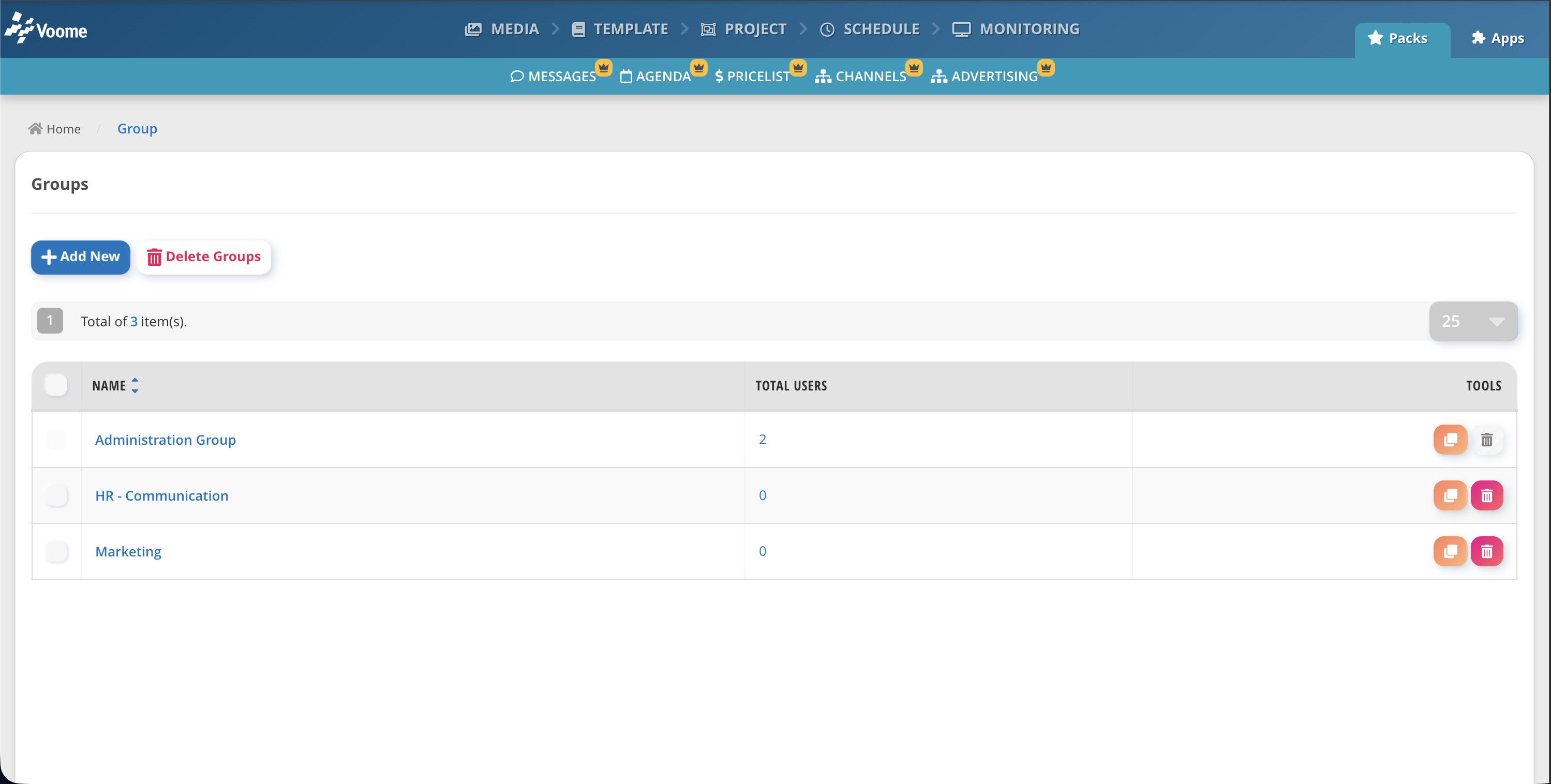
In Voome CMS, click Settings > Platform > Groups.
🗃️ General tab
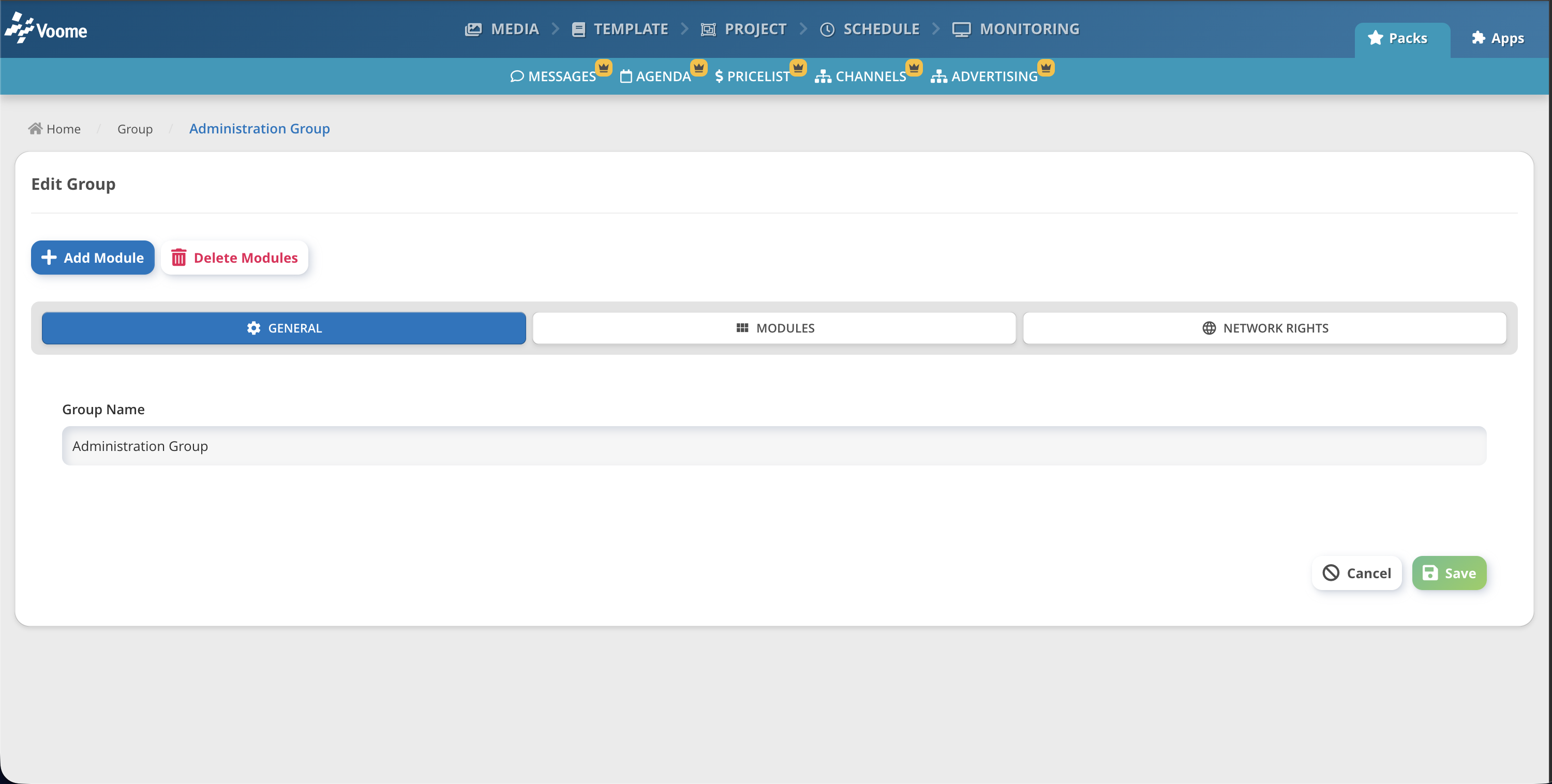
Set the group Name.
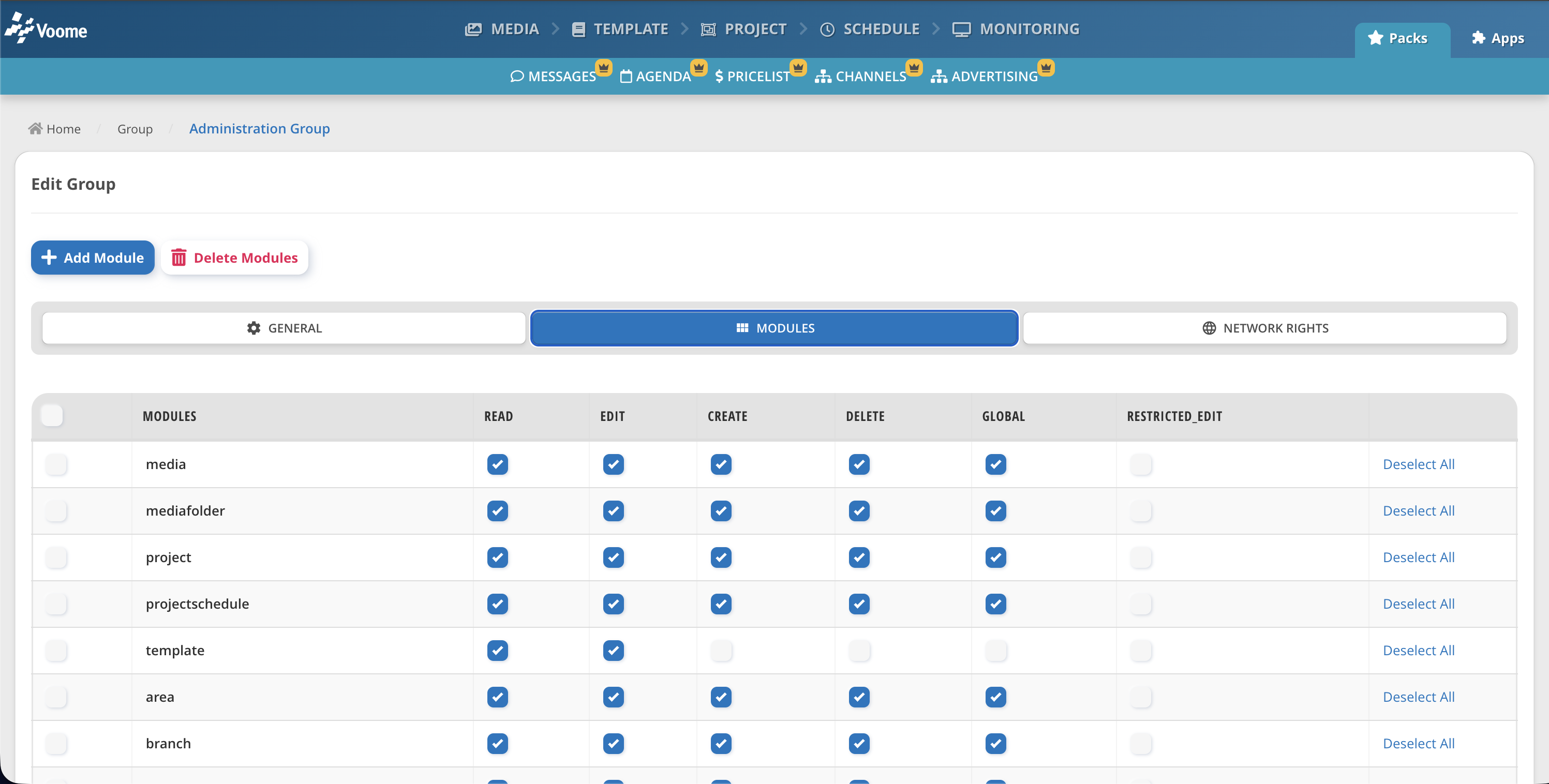
🗃️ Modules tab
Choose which parts of the Voome CMS this group can see and manage.
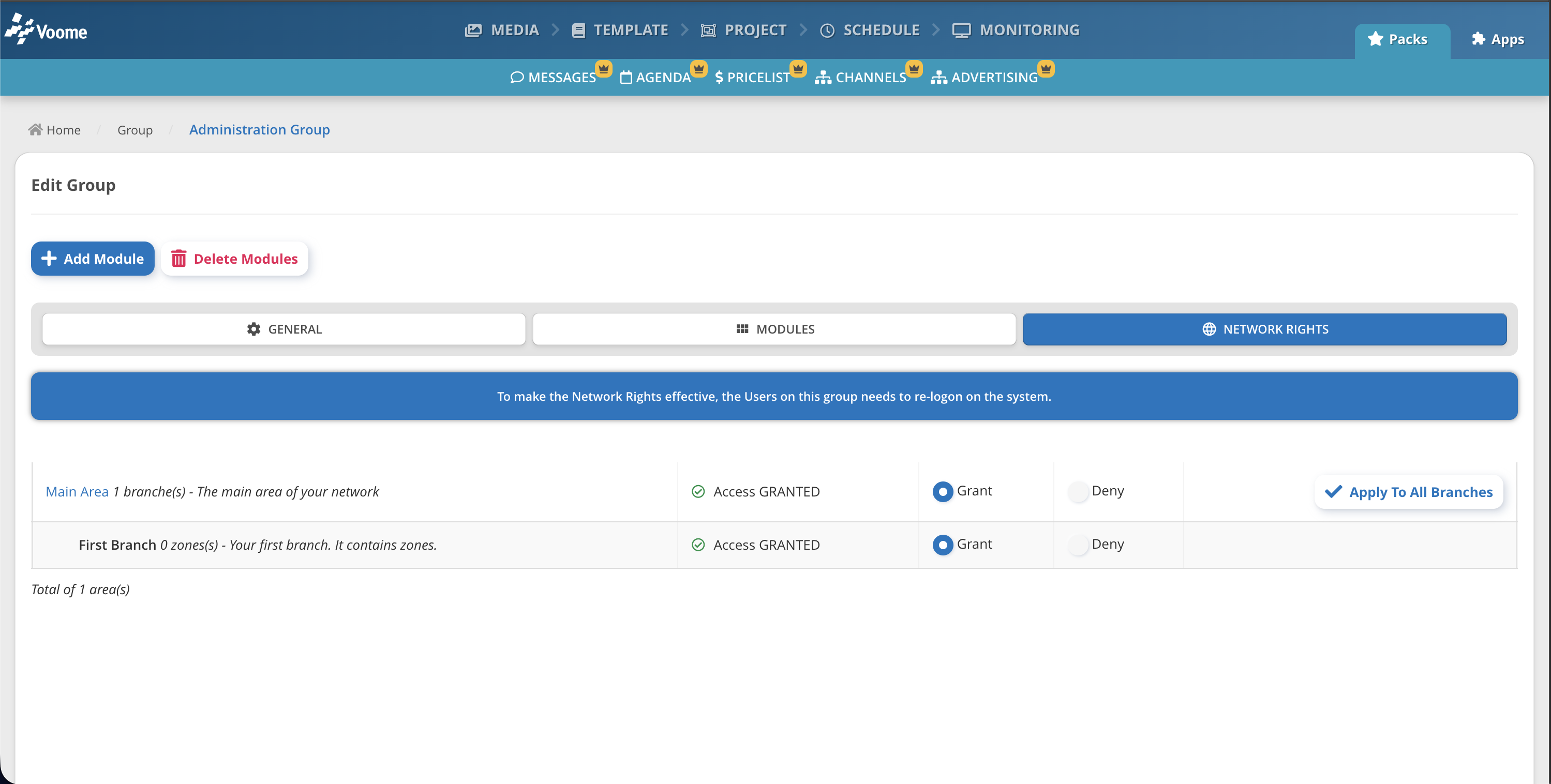
🗃️ Network Rights tab
Choose which parts of the network this group can see and manage: the areas, branches, and zones you build in the Network Manager.
❓ Can one user see content from multiple groups?
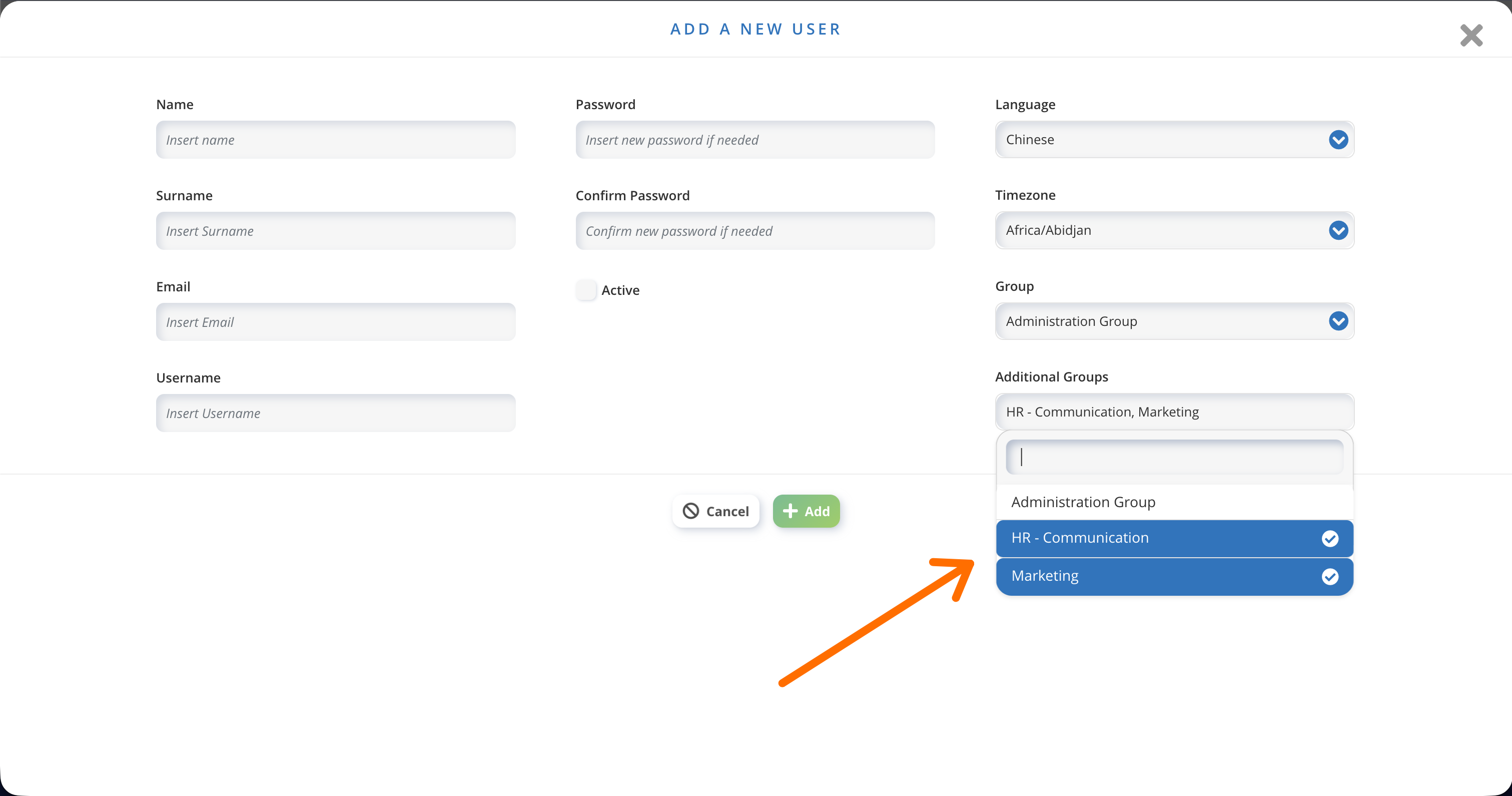
Yes. To let an admin or a supervisor work across several groups, add the extra groups to that user's Additional Groups.
Groups are cumulative: a user with the Marketing Group and HR Group set as additional groups has access to the media uploads, messages, and projects of both.