🗺️ Network Manager
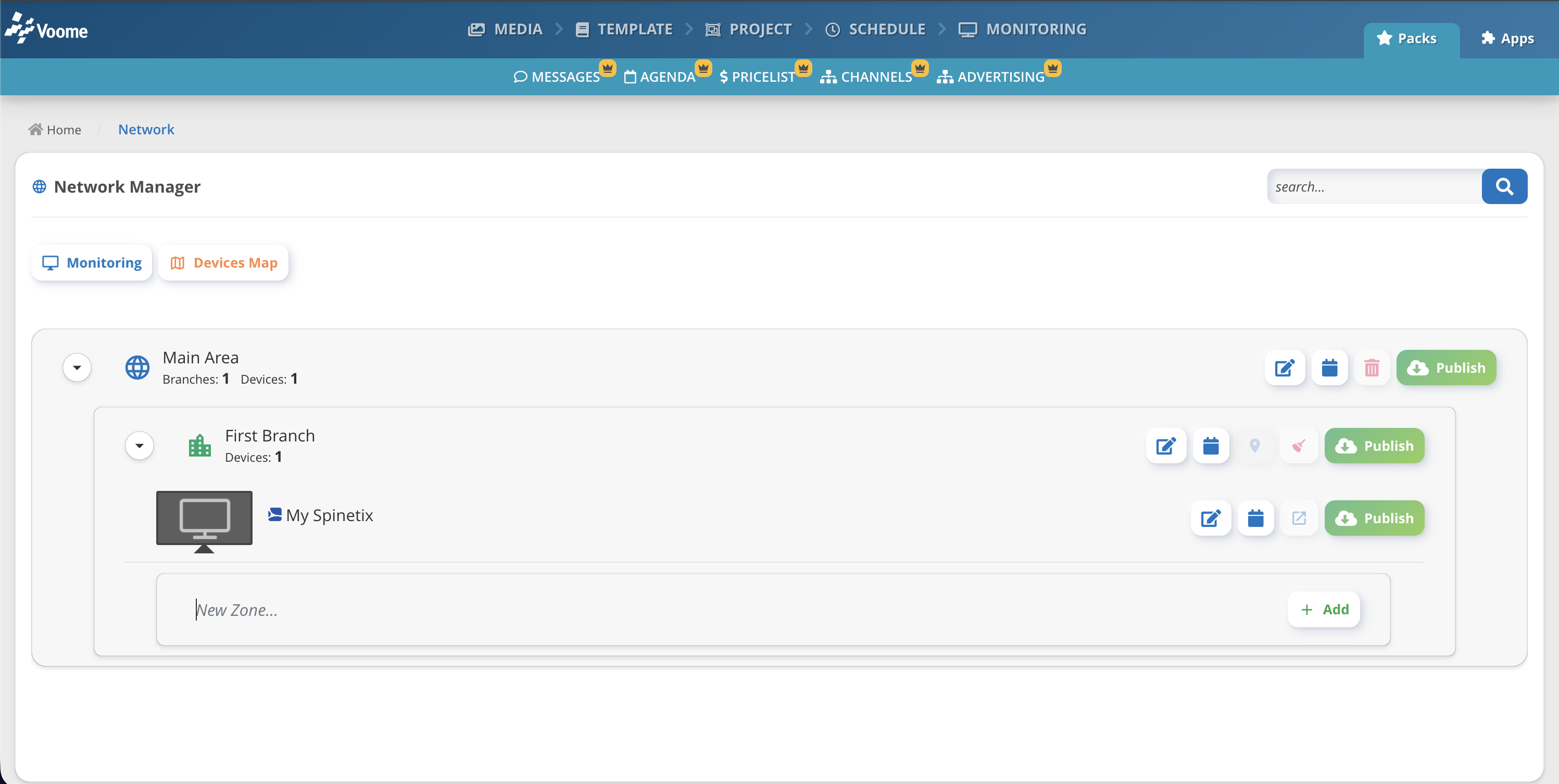
The Network section lets you organise your devices into groups. It is a logical representation of how your screens are distributed across your company, independent of how they are physically installed.
You build your network on three levels, from the largest to the smallest:
- 👉🏼 Area: the broadest grouping. It can represent a country, a state, or an entire building.
- 👉🏼 Branch: a section within an Area. It can represent a region, a city, or a floor.
- 👉🏼 Zone: the smallest level. It represents a single screen or a group of devices.
This logical organisation is fundamental across the platform. It drives how you:
- Manage and monitor your devices.
- Handle room and desk booking.
- Set the location used by your calendar agenda.
📍 How to access Network Manager
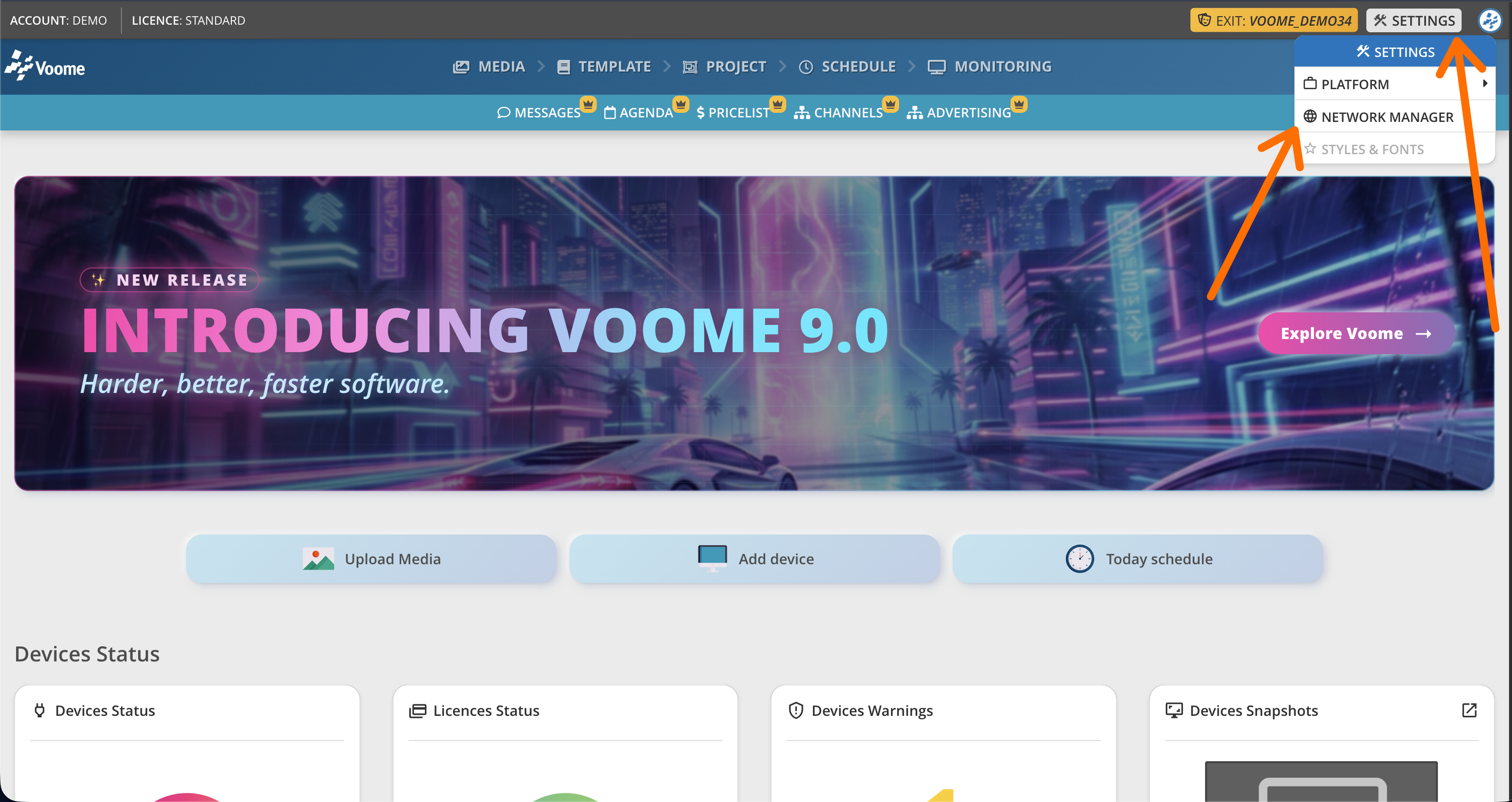
In Voome CMS, click Settings > Network Manager.
A zone is created automatically whenever a new device is added to your account.
🔗 How zones and devices connect
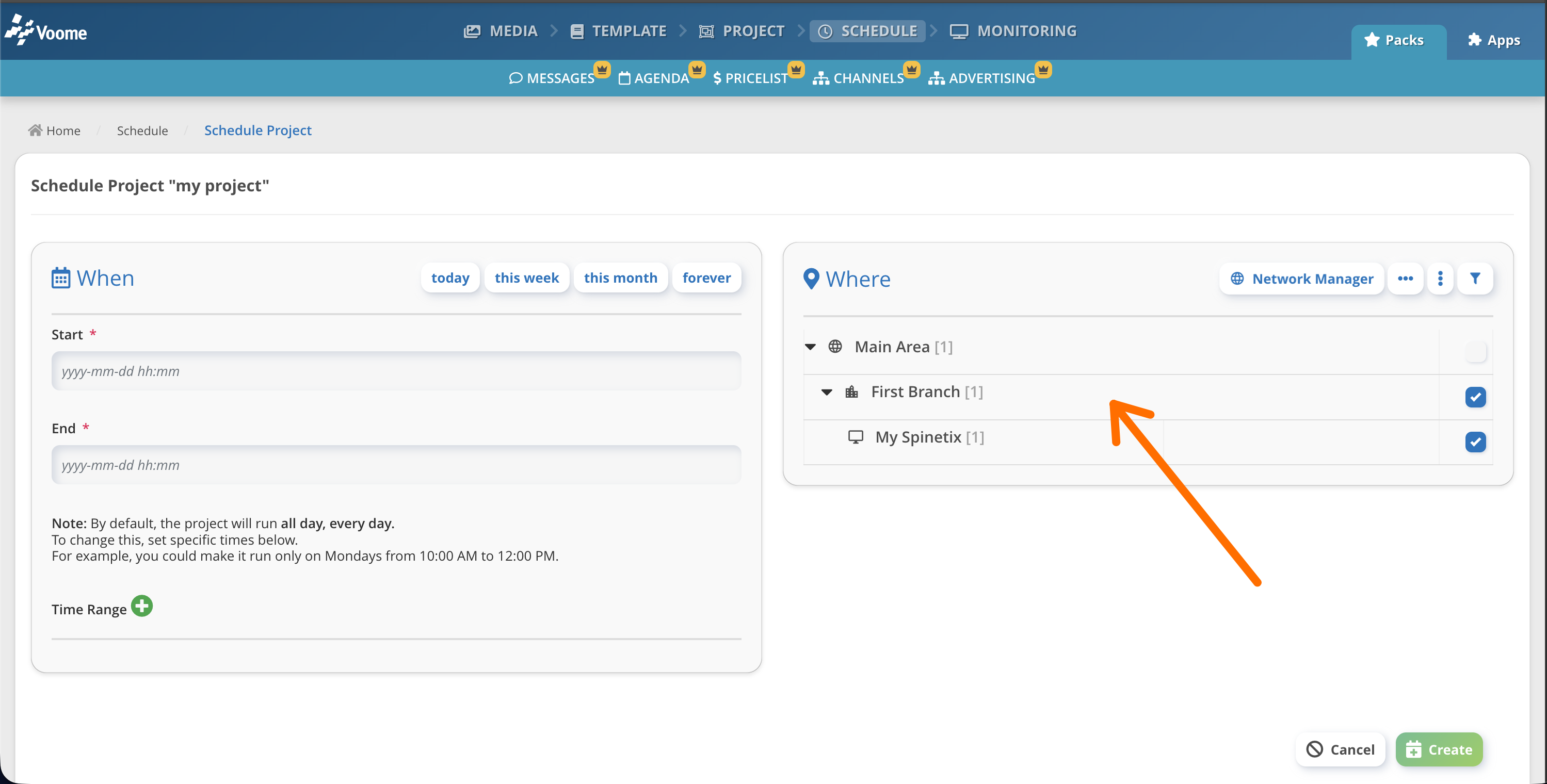
Every zone contains 🖥️ at least one device:
- If a zone is connected to a single device, the zone takes the device name automatically.
- If a zone groups multiple devices, you can give the zone a name of your choice and connect each device to it through the Device position settings.
❓ Why can a zone contain more than one device?
A zone typically contains a single device. If you want the same content to play on two screens, put both devices in the same zone: they will then show identical content (see "My Spinetix" in the example below).
Sharing a zone is also useful for a video wall, that is, several screens placed next to each other and driven by multiple Spinetix devices. See How to Video Wall for details.