🗂️ Resource Types
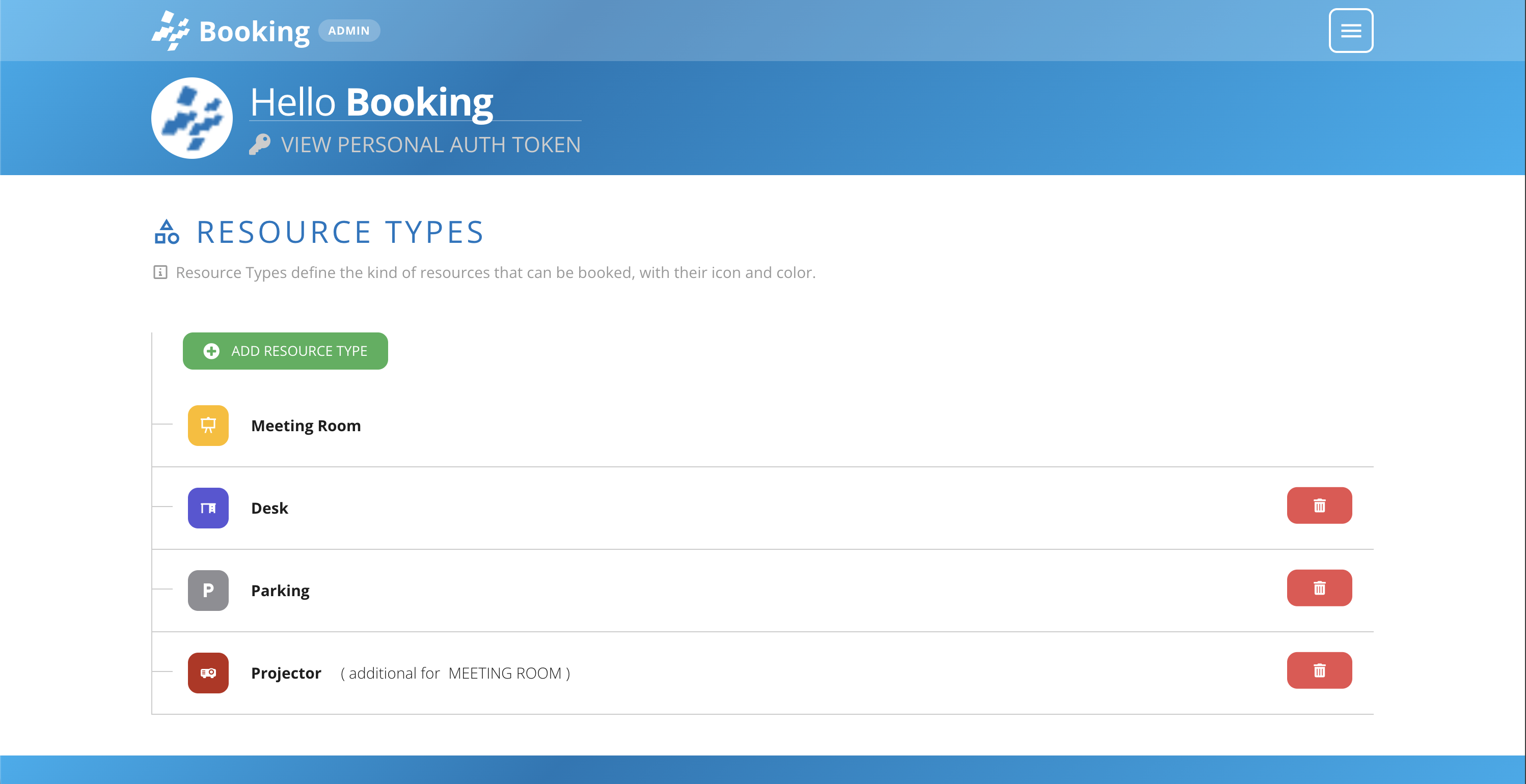
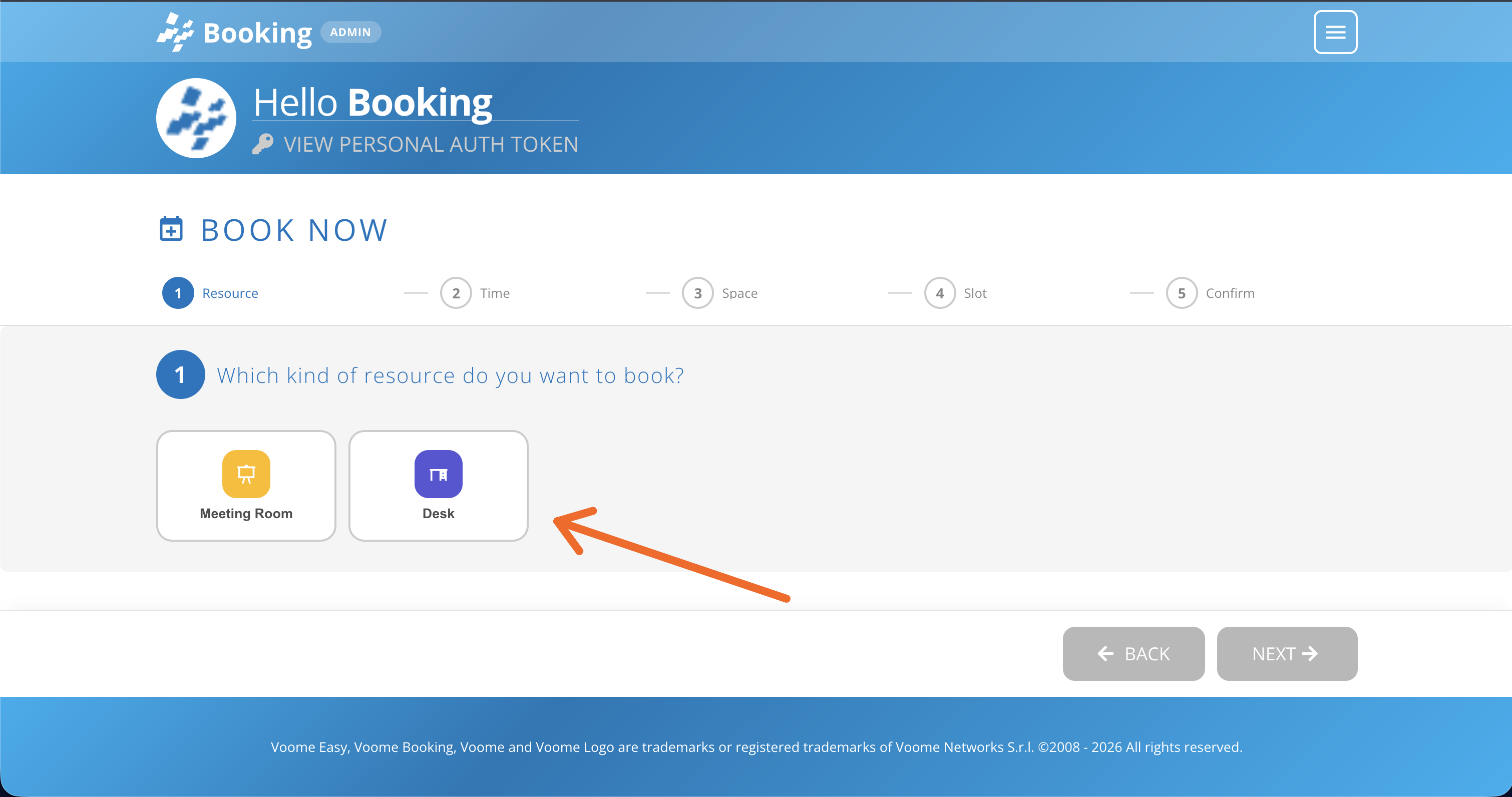
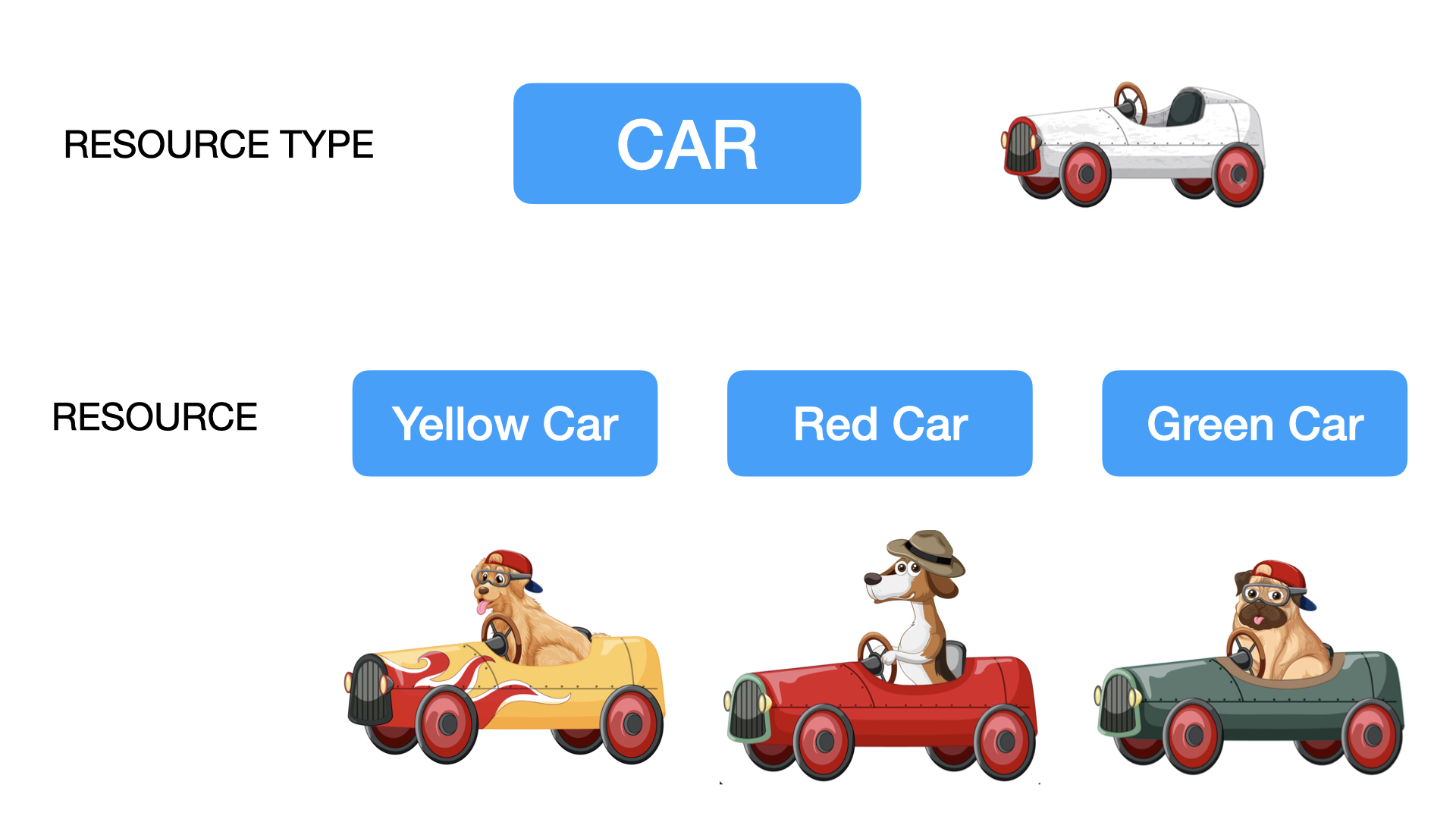
A resource type is a family of bookable things, for example "car" or "meeting room". As an admin you define the types that match your case here, and this is the first step of the booking setup: you create the concept first, then create the actual bookable items.
In the resource type interface you can define any type of resource that aligns to your specific case. Press the add resource type button, or edit an existing one. You will then instantiate the actual bookable cars within the resource section.
💡 Resource Type vs Resource
To be clear: in this phase you are defining the concepts of your bookable things. The actual objects will be defined later within the resources section.
➕ Create a resource Type
- Press the add resource type button, or the pencil icon on an existing type. The Edit Resource Type form opens.
- Fill in General Settings. Only Label is required.
- Set the Time Restrictions that apply to this family of resources.
- Use Additional Resource if this type is an accessory to another one, such as a projector for a meeting room.
- Press Save.
⚙️ General settings
-
Label (required): the name of the resource type, for example "car" or "Meeting Room".
-
Color: the colour that identifies this type across Booking.
-
Icon (mdi class): choose your icon among the various icons in Material Design Icons. Simply search and click on an icon you like, move to the webfont section, and grab the mdi name such as
mdi-projector.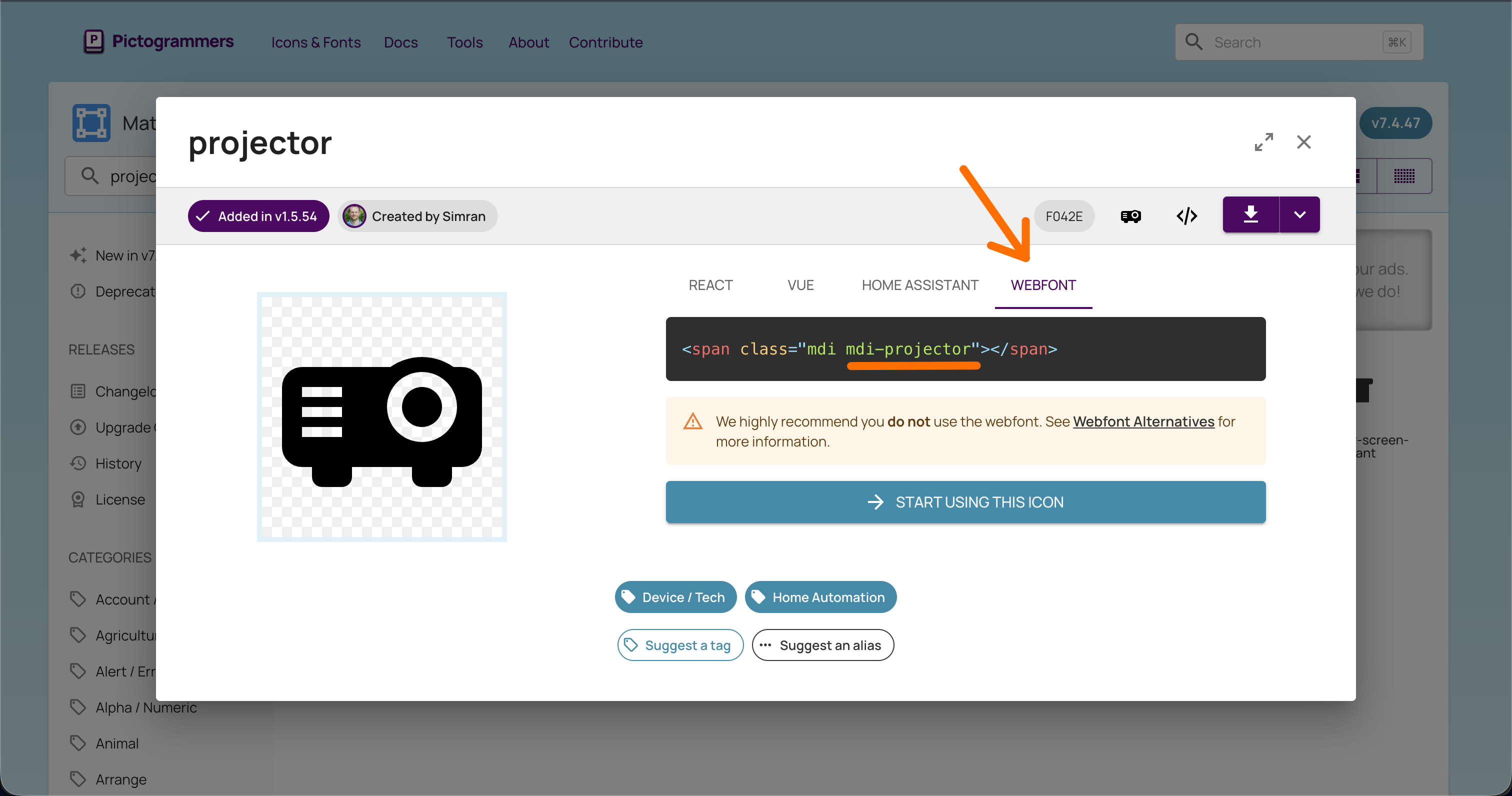
-
Default capacity: pre-fills the capacity when you create a resource of this type. A car usually has 5 seats, so set 5 here and adjust it on the single resource when needed.
⏱️ Time restrictions
- Booking window (days): how many days ahead from today bookings are allowed. 0 = no limit.
- Max consecutive days per booking: the longest span a single booking can cover. 0 = no limit.
- Allow "Pick a time" booking: users choose an exact start and end time.
- Allow "Time Slot" booking: users pick a duration and the system finds the available slots. Tick the durations you want to offer: 1h, 2h, 4h, 8h, and Custom.
Both booking modes can be active at the same time, and users then choose which one to use. Leave at least one of them on, otherwise this type of resource cannot be booked.
🧩 Additional resource
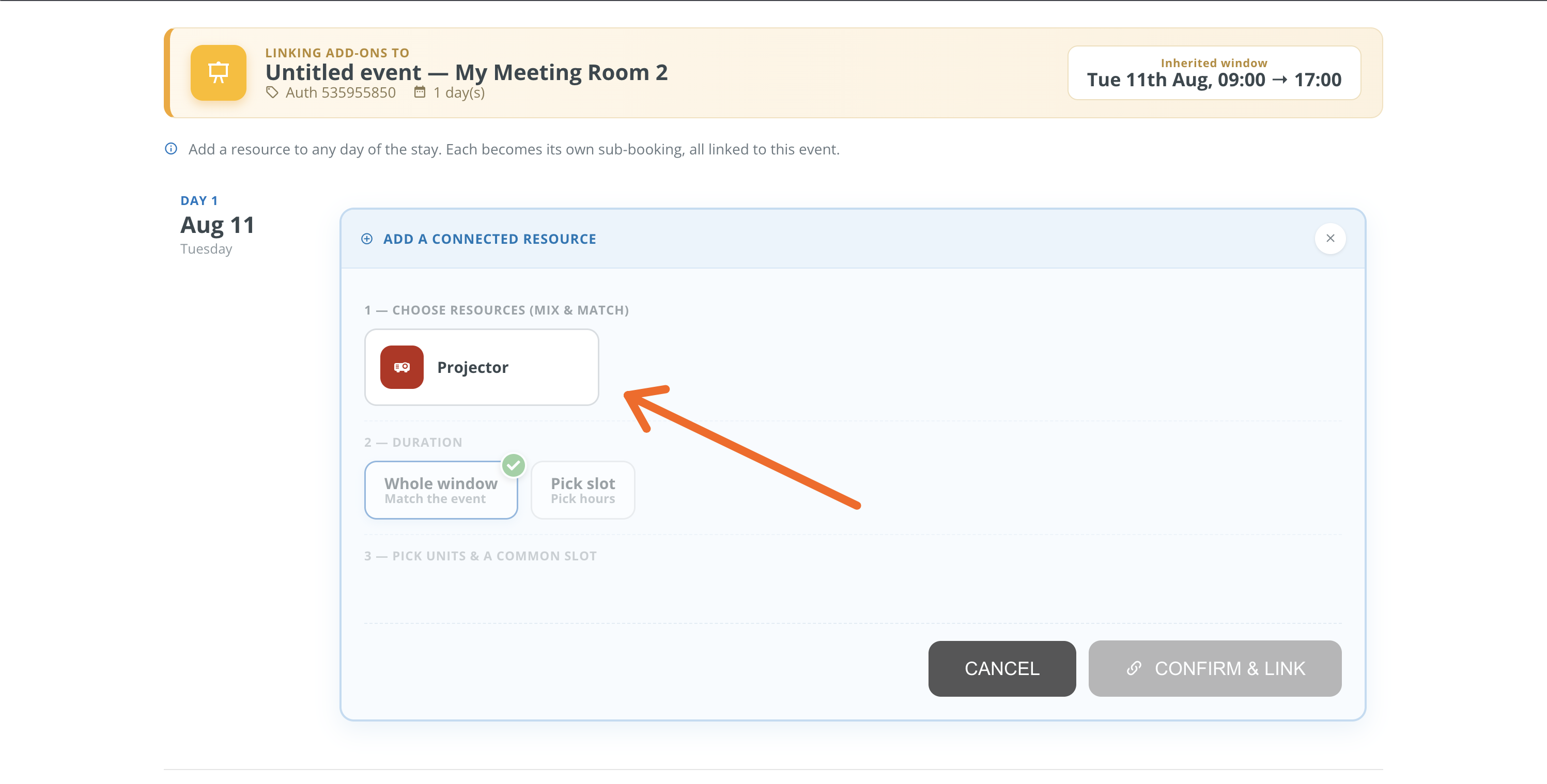
An additional resource is one that gets booked together with another, like a projector added to a meeting room.
-
Additional For: tick the resource types this one can be added to.
💡 In other words: which bookings will offer this resource type in the Connect a Resource step?
-
Is this resource type bookable alone?: on by default, meaning the type can be booked on its own. Switch it off for accessories that only make sense alongside their parent resource, so they can only be booked together with them.
💡 In other words: will this resource type appear to the user in the first step of Book Now?