📂 Folder Playlist
The Folder Playlist layer enriches your projects with an automated playlist based on the content of a folder in your media repository.
Instead of selecting media files one by one, you point the layer at a folder in your media library. Every item in that folder is played in rotation, and when you add or remove files from the folder, the playlist updates automatically.
The device downloads the content and keeps a copy of it, so the layer keeps playing through a network outage. A connection is needed to pick up changes made at the source.
Content fields
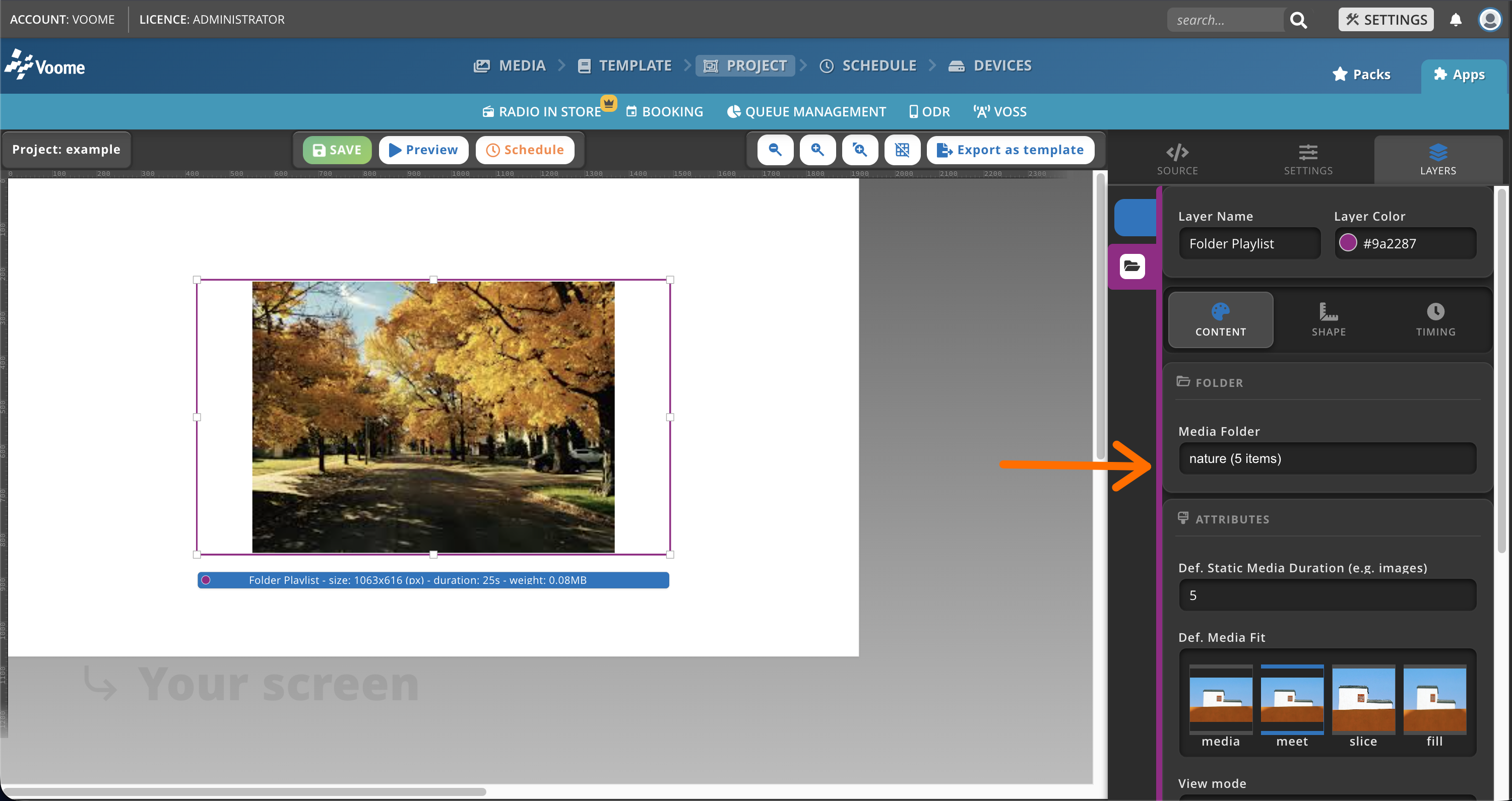
Folder
- Media Folder: the folder in your media library to play from. The selector shows how many items the folder currently contains (e.g.
nature (5 items)).
Attributes
-
Def. Static Media Duration: how long each static item (like an image) is displayed, in seconds. This does not apply to videos, which play for their full length.
-
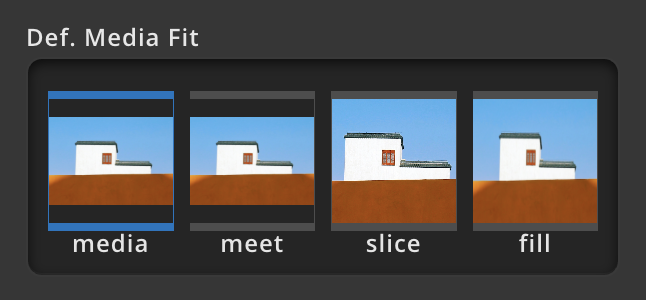
Def. Media Fit: defines how each media item fits within the layer area.
- media: uses the fit setting defined on each individual media item.
- meet: scales the media to fit entirely within the layer without cropping, preserving its aspect ratio. This may leave empty space (letterboxing) if the aspect ratios differ.
- slice: scales the media to cover the entire layer without preserving the original aspect ratio. This may distort the image, but no empty space or cropping occurs.
- fill: scales the media to completely fill the layer while preserving its aspect ratio. Parts of the media may be cropped if the aspect ratio does not match the layer.
-
View mode: controls how the folder content advances on screen.
- Automatic Slideshow: a standard timed playlist. Each item plays for its Def. Static Media Duration (images) or for its full length (videos), then advances automatically.
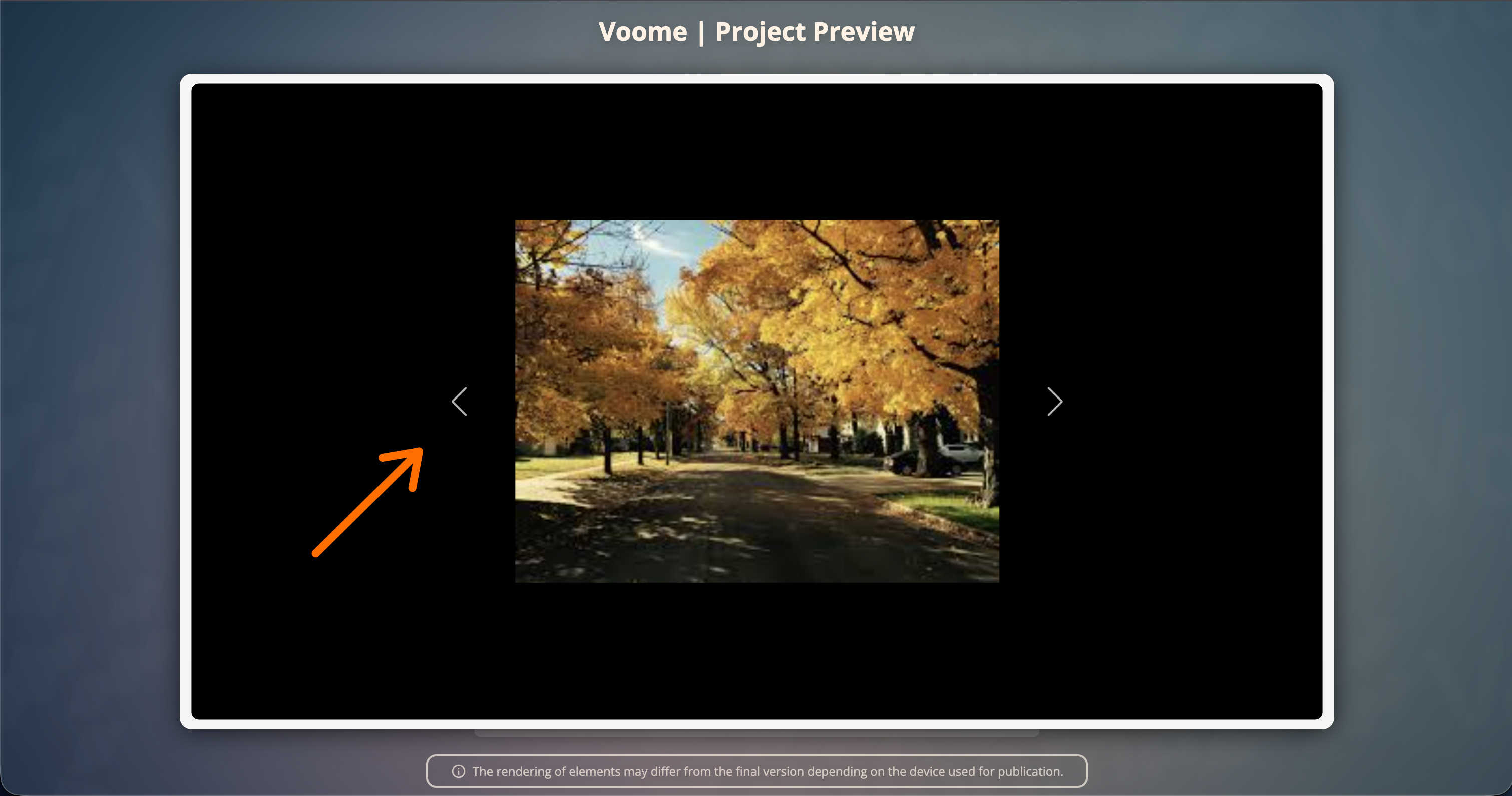
- Manual Carousel: ideal for interactive monitors. Two arrows (⬅️ ➡️) appear on screen, and viewers tap them to move to the next or previous item.