✏️ Text
The Text layer is useful for placing static or dynamic text on the canvas, such as titles, labels, or messages.
Works offline
Everything this layer shows is published to the device together with the project, so it keeps playing with no network connection. A connection is only needed to publish your changes.
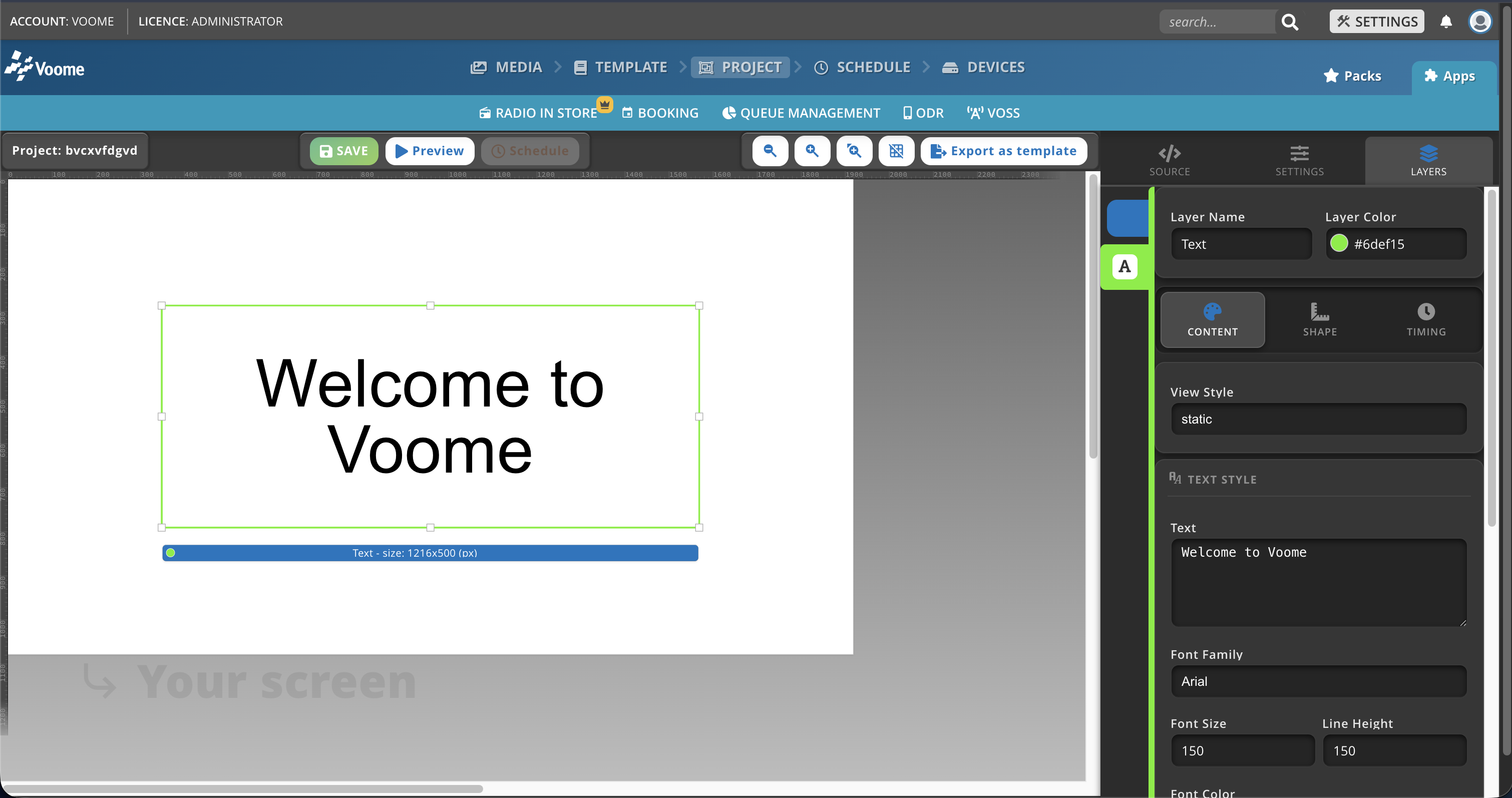
Fields
- View Style: defines how the text is displayed.
- static: fixed text.
- fit: resizes to fit the layer.
- ticker: scrolls horizontally.
- scrolling: scrolls vertically.
- Text: the main text content to be displayed.
- Font Family: the font to use (e.g. Montserrat, News Cycle, Open Sans).
- Font Size: font size in pixels (px).
- Line Height: space between lines of text (px).
- Font Color: text color in hex format (e.g.
#FFFFFF). - Font Weight: thickness of the font.
- normal
- bold
- bolder
- lighter
- Font Style: style of the font.
- normal
- italic
- Vertical Align: vertical alignment within the layer (Top, Center, Bottom).
- Horizontal Align: horizontal alignment within the layer (Left, Center, Right, Justify).
- Text Shadow: adds a shadow to the text (e.g.
8px 10px rgba(0, 0, 0, 0.75)). - Text Transform: controls text casing.
- Inherit: keeps the text as written.
- lower case
- UPPER CASE
- Capitalize
- Bg Color: background color in hex format (e.g.
#FFFFFF). - Bg Opacity: background transparency, from 0 to 1.
- Fr Color: frame (border) color in hex format (e.g.
#FFFFFF). - Fr Border: frame thickness, as a percentage.
- Font Padding: padding around the text, in pixels.