📥 Export Data
The Export Data tab is where you download the monthly reports of the Ticketing System, grouped by totem server, so you can analyse them with your own tools.
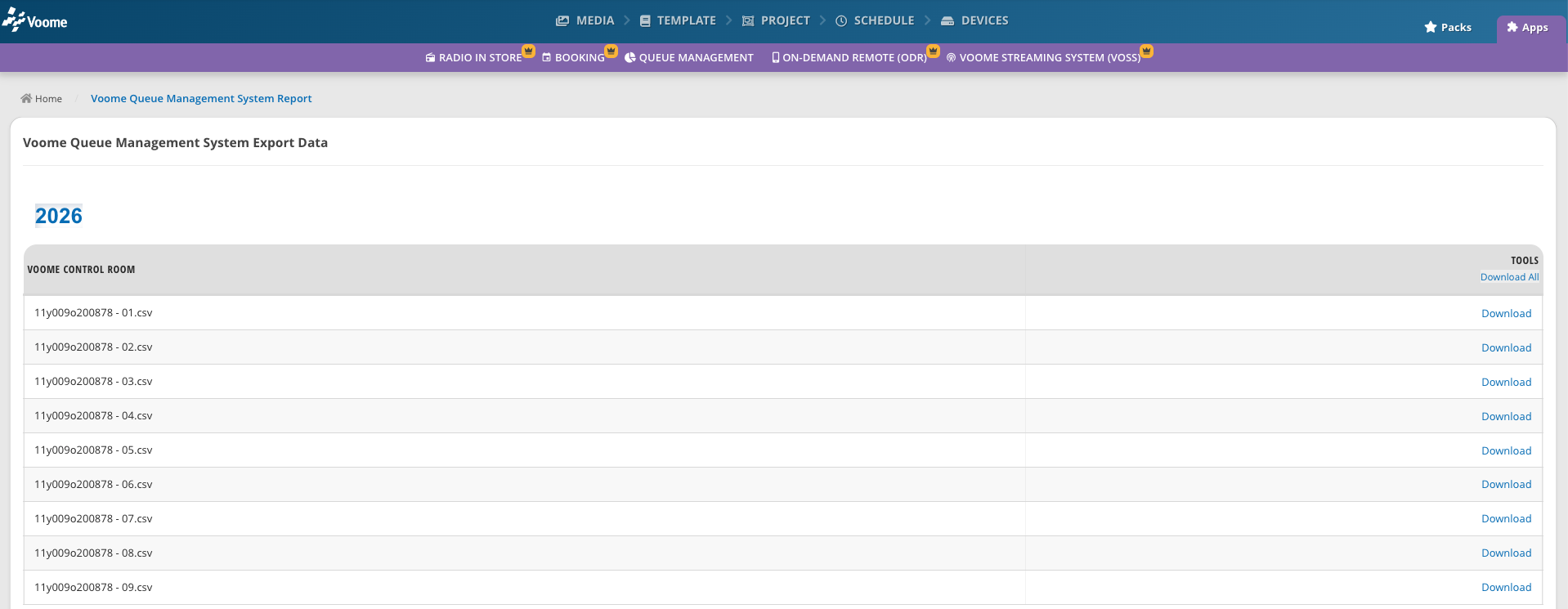 The Export Data tab: one table per totem server, one row per monthly report.
Download a report
Opening the Export Data tab, you find the table of the totem server you need, then click Download next to the month. To get every monthly report of that server for the selected year in one ZIP file, click Download All in the table header.