🖼️ Image
Il livello Image è utile per mettere sul canvas un'immagine statica, come un logo o una qualsiasi grafica generica.
Funziona offline
I media scelti dalla tua libreria vengono pubblicati sul dispositivo insieme al progetto, quindi vengono riprodotti senza connessione di rete. Gli elementi aggiunti tramite URL esterno vengono invece scaricati durante la riproduzione e la richiedono.
Campi
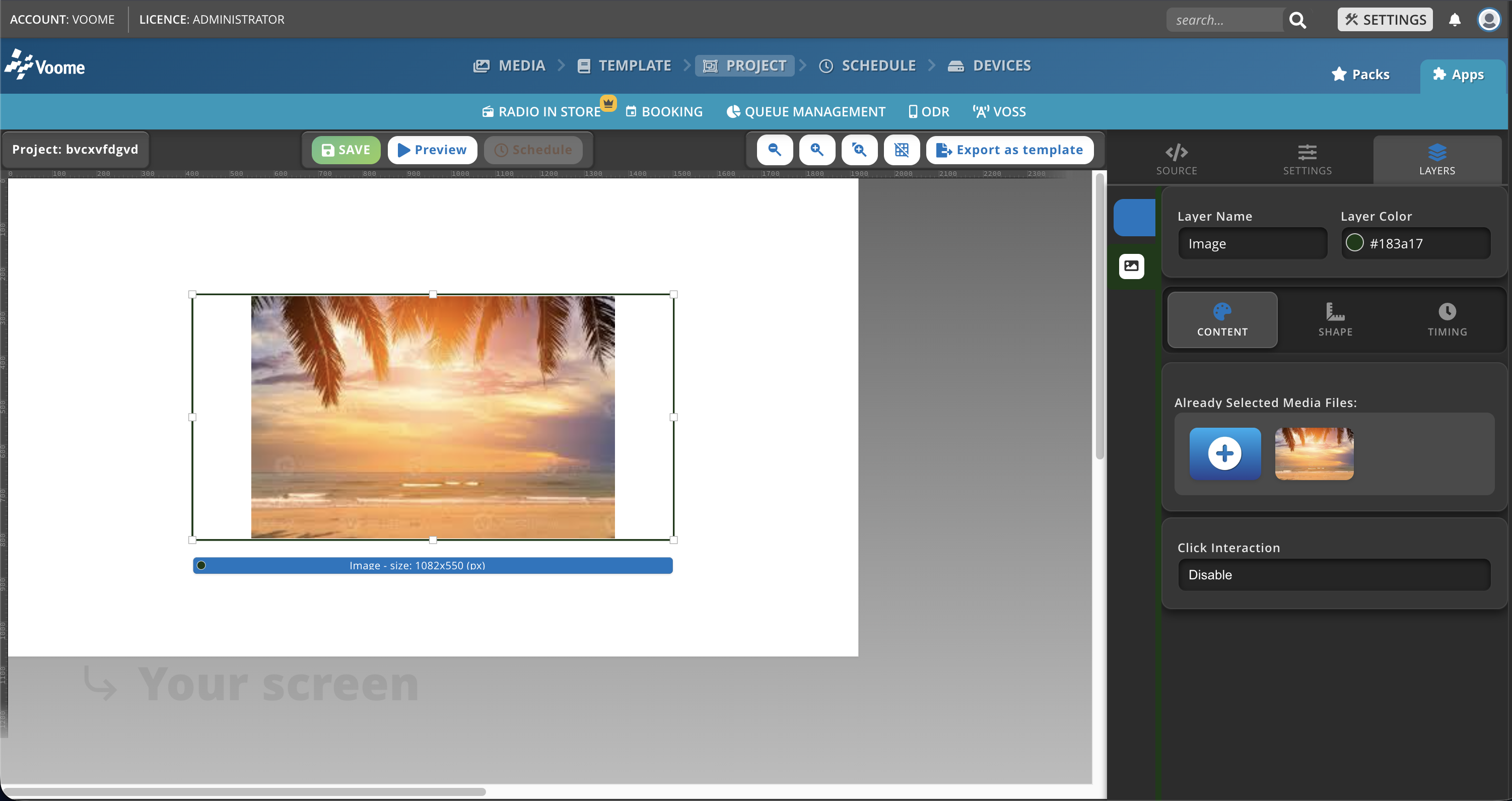
- Already Selected Media Files: clicca sul cerchio + per scegliere o sostituire un file dalla libreria media.
- Click Interaction: abilita o disabilita un'azione al clic sull'immagine.
Come cambio l'adattamento della mia immagine?
- Clicca sull'immagine che vuoi modificare.
- Seleziona Media Fit.
- Scegli tra:
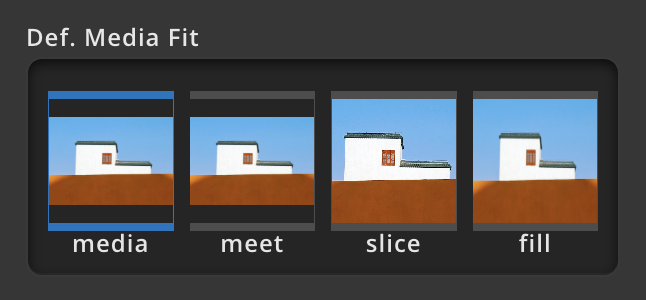
- Meet: ridimensiona il media perché entri per intero nel livello senza ritagli, mantenendo le proporzioni. Se le proporzioni non coincidono può restare dello spazio vuoto (letterboxing).
- Fill: ridimensiona il media perché riempia completamente il livello mantenendo le proporzioni. Se le proporzioni non coincidono con quelle del livello, parti del media possono essere ritagliate.
- Slice: ridimensiona il media perché copra tutto il livello senza mantenere le proporzioni originali. L'immagine può risultare deformata, ma non ci sono spazi vuoti né ritagli.